Getting started
A short, visual walkthrough. Six sections, ten minutes. Skim for what you need; everything in here you'll also see inside the app under Profile → Guides.
Navigate the app
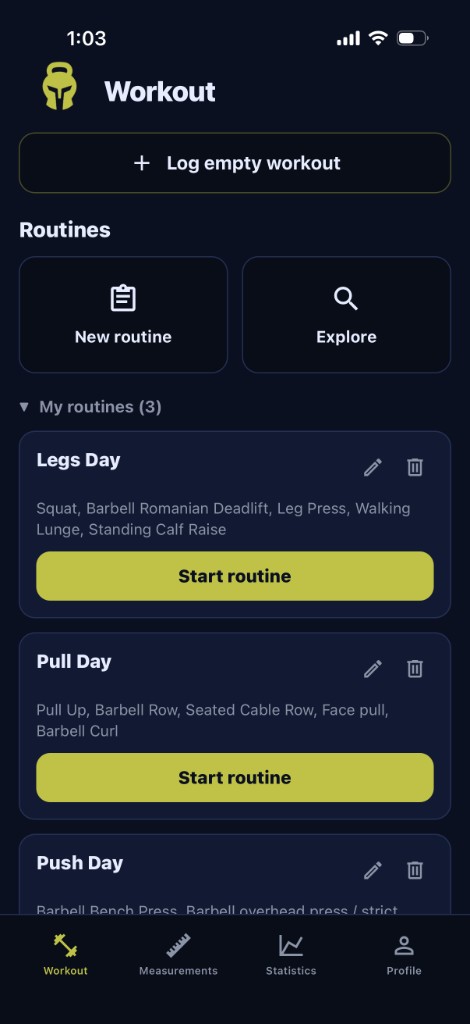
The whole app is four bottom tabs: Workout, Measurements, Statistics, and Profile.
- Workout — train; log sets as they happen.
- Measurements — body check-ins.
- Statistics — calendar, streaks, and charts.
- Profile — account, units, themes, guides.

Log, save, share
Start a workout
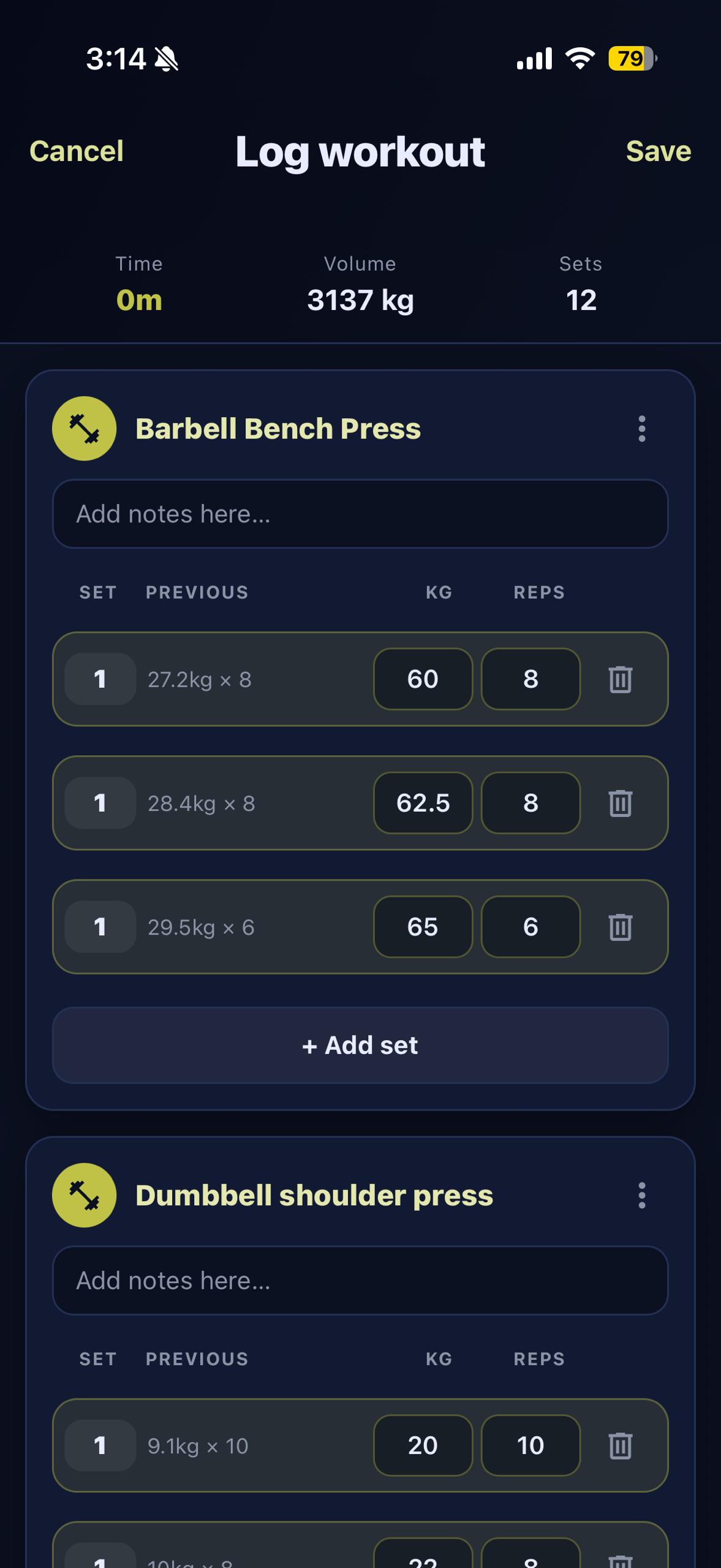
Open Workout → Log empty workout → add exercises → fill weight and reps → mark sets completed.
Only completed sets count toward volume and stats. Use the previous column as a reference, and tag the muscle for coverage charts later.
Finish & review
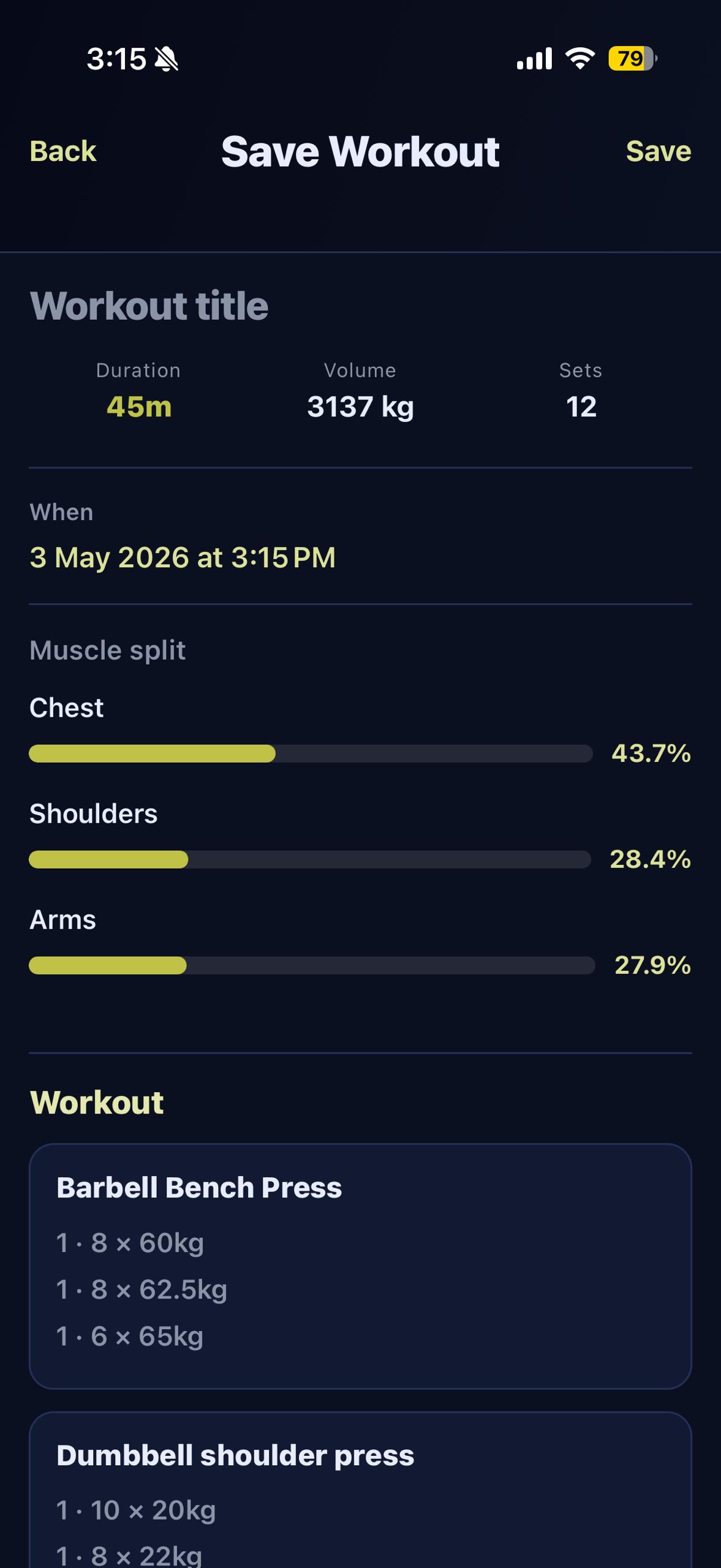
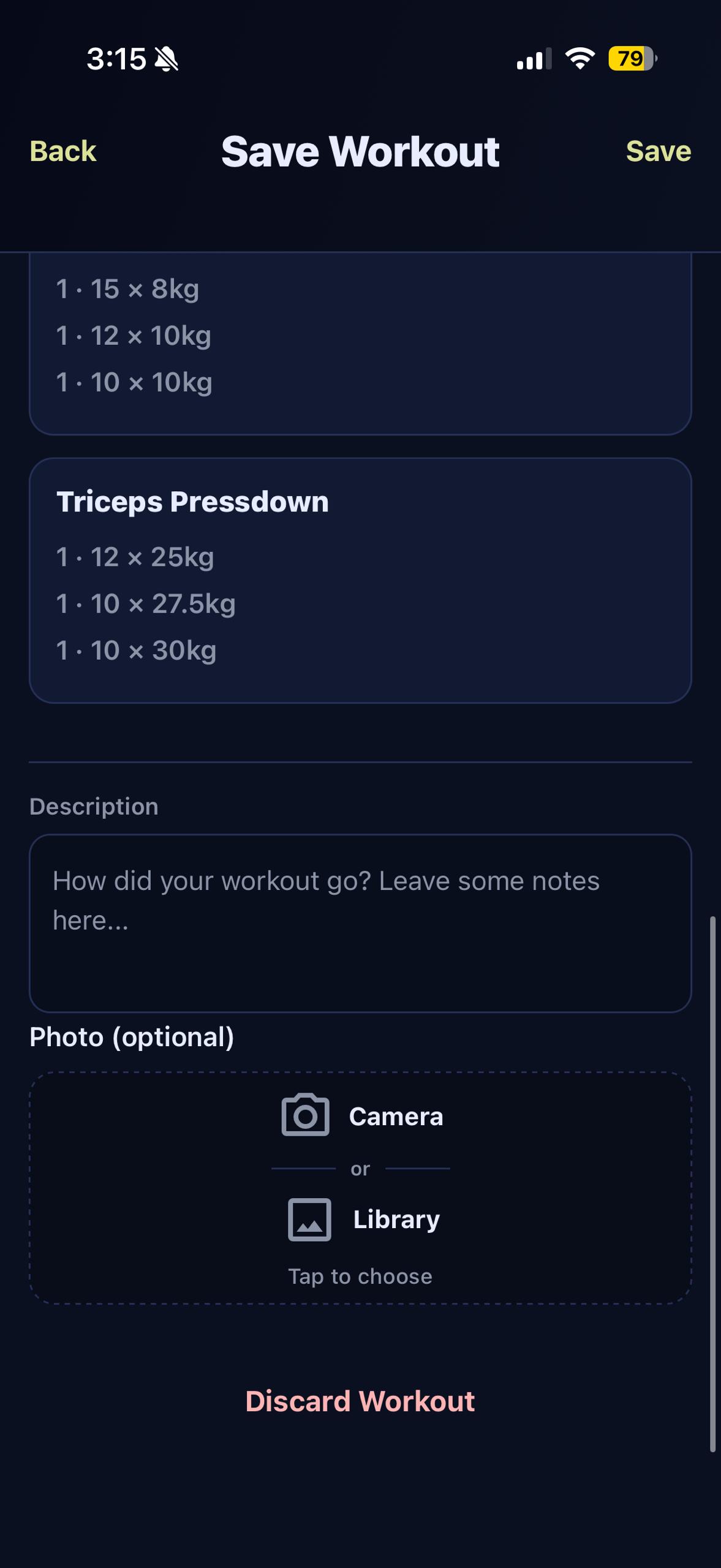
Tap Save in the header to review the session. Add a title and an optional description or photo, then submit.
Share the win
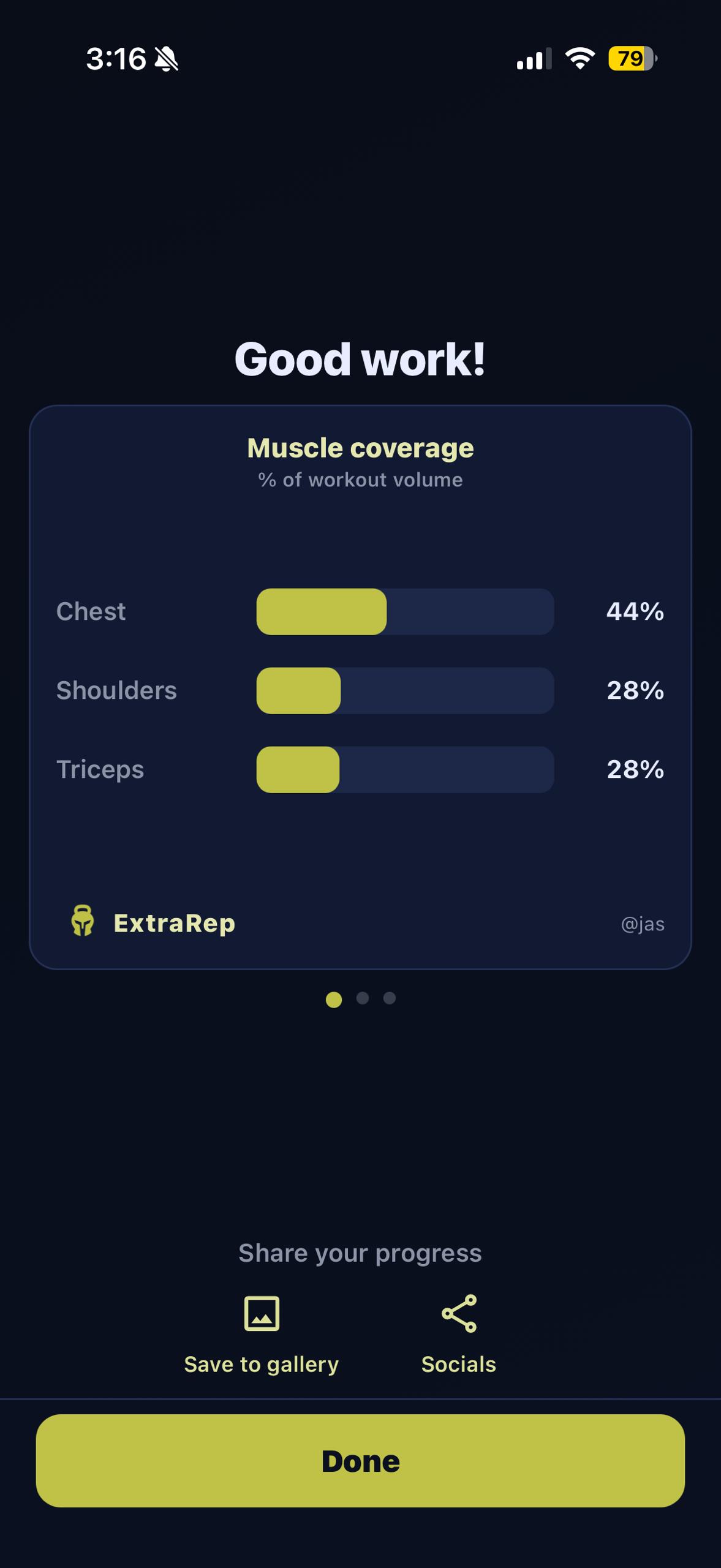
After saving, swipe through the success cards (PRs, set highlights, the workout summary) and pick the slide you want. Tap Save to gallery to keep it, or Socials to share it directly.
Routines
Create a routine
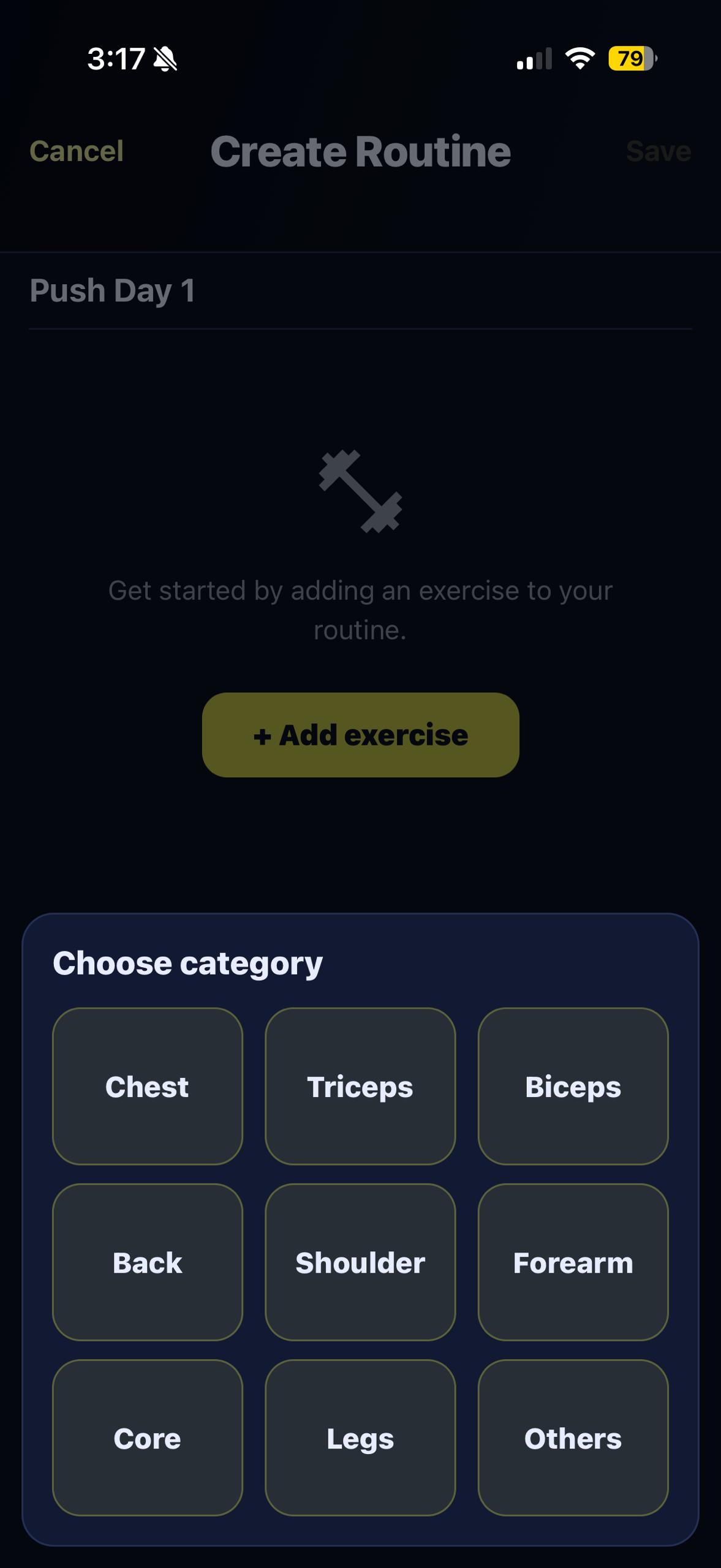
New routine → give it a title → add the exercises and target sets → tap Save. Routines are stored against your account so they sync across your own devices.
Edit or start a routine
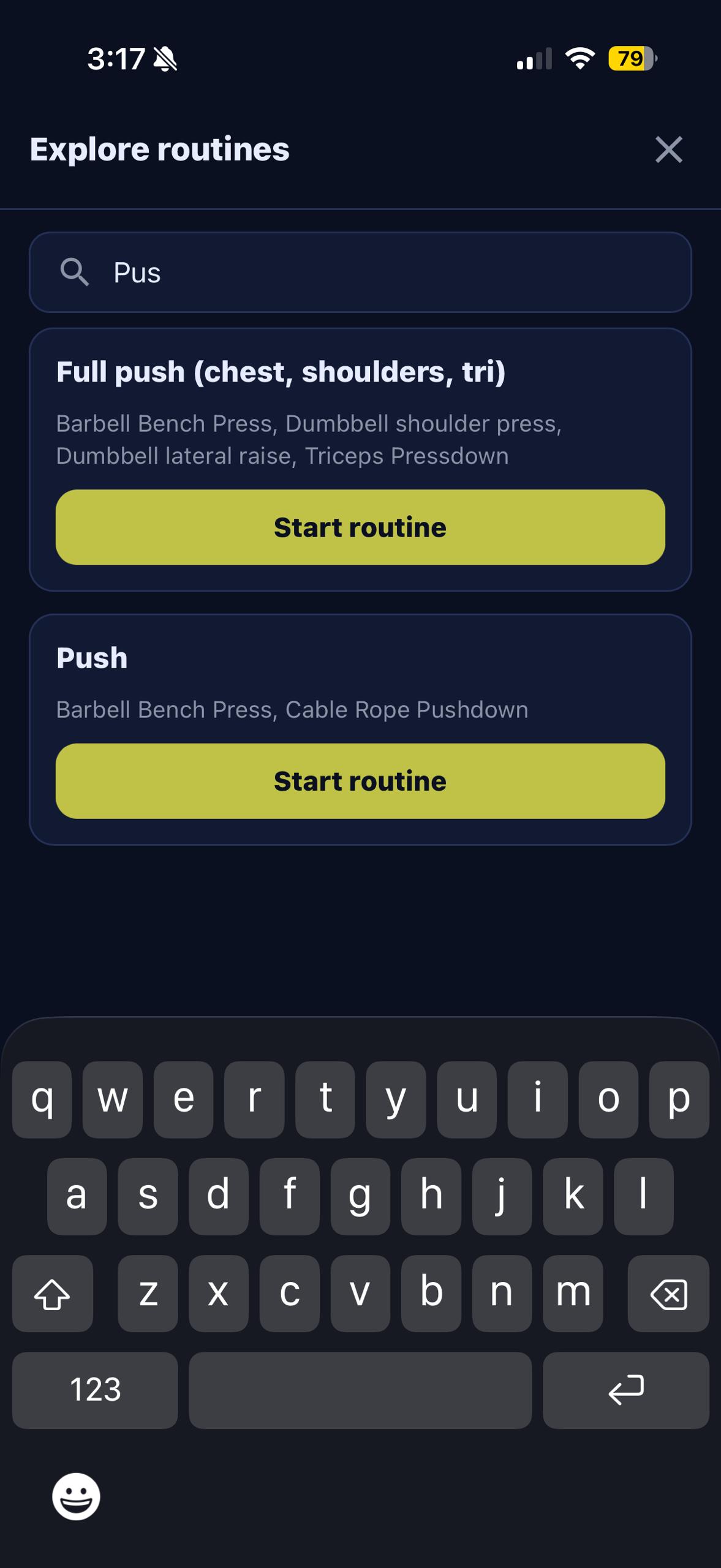
Under My routines on the Workout tab, every routine has a pencil to edit (rename, add or reorder exercises, change target sets) and a bin to delete. Use Explore to search across routines, or just tap Start routine and the workout opens pre-filled with the right exercises and target sets.
Measurements
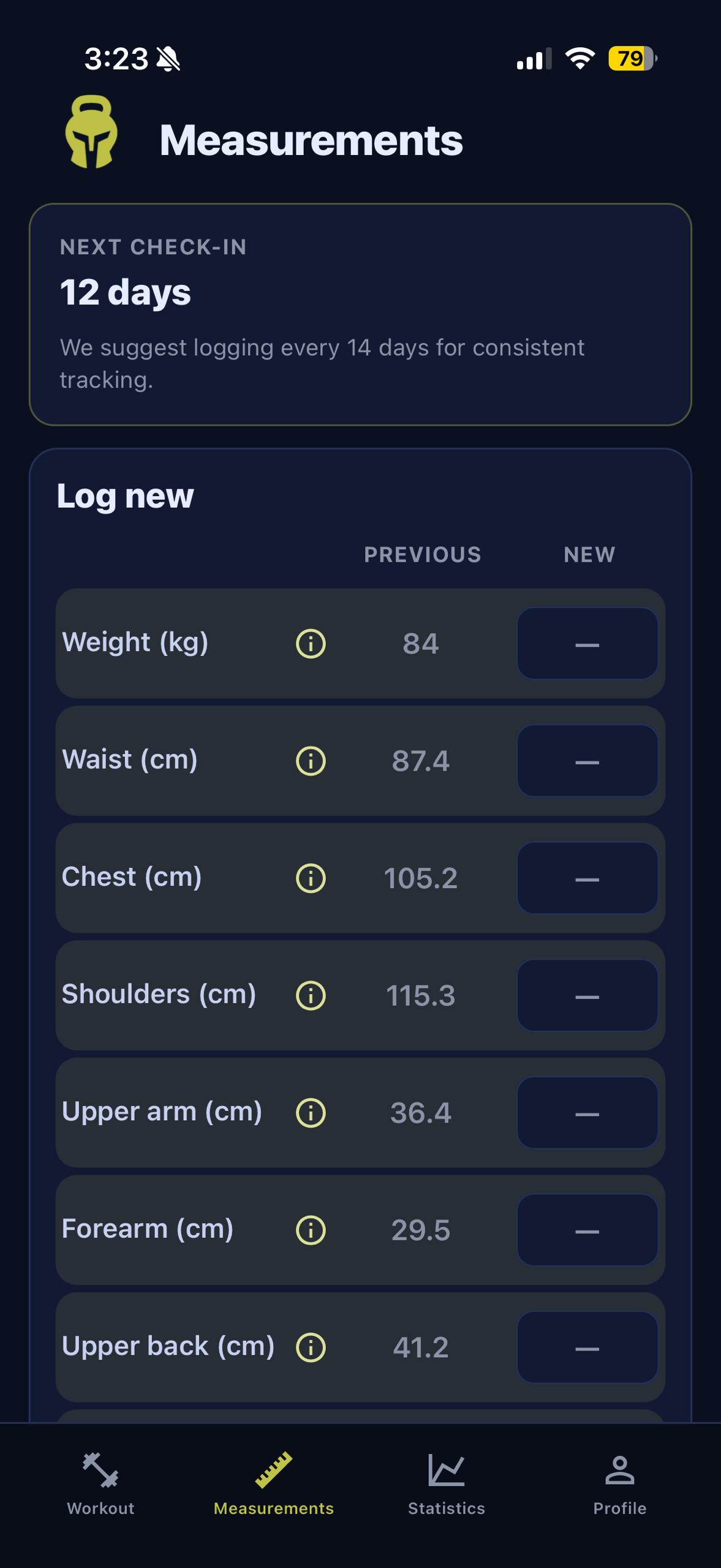
Open the Measurements tab, fill in the fields you track (you choose which to keep on), and save the check-in. Each field has a small tip explaining how to keep readings consistent week to week — the difference between a useful trend and noise.
Statistics
Statistics needs saved data. Strength charts read from completed working sets in saved workouts; body curves read from Measurement check-ins. Train a couple of sessions and add one check-in before expecting to see anything interesting here.
Body trends
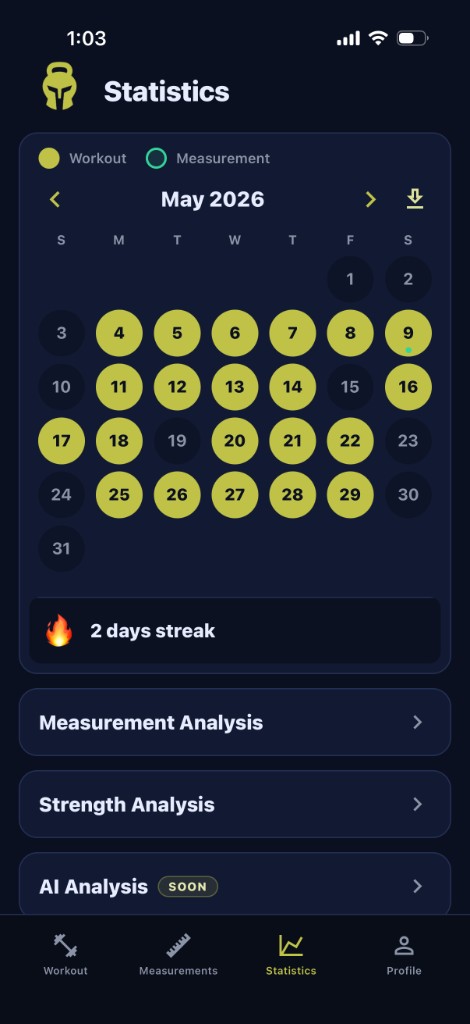
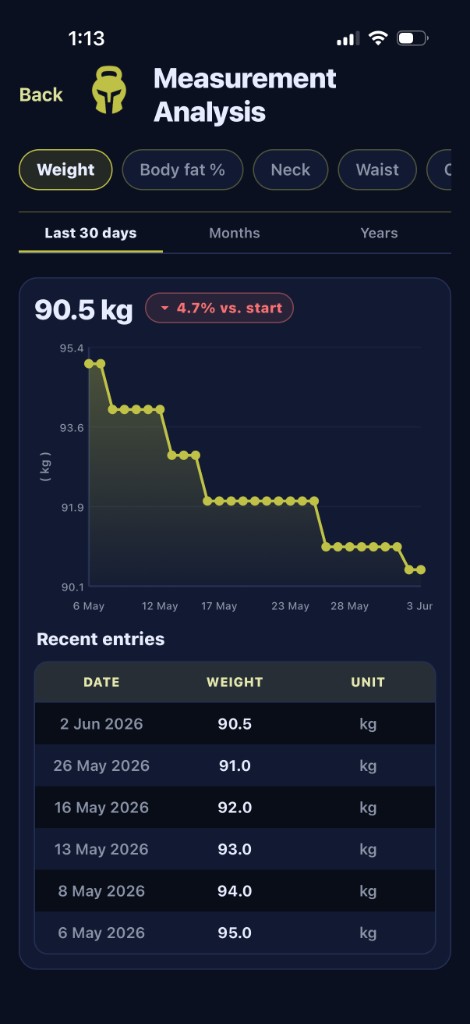
The Statistics calendar shows your workout and measurement days at a glance, with your current streak underneath — tap any day to see what you did. Below the calendar, Measurement Analysis opens body trends (weight, body fat, and your other tracked measures) with charts and the recent-entries list. Strength Analysis opens the lifting charts, and AI Analysis is coming soon.
Strength analysis
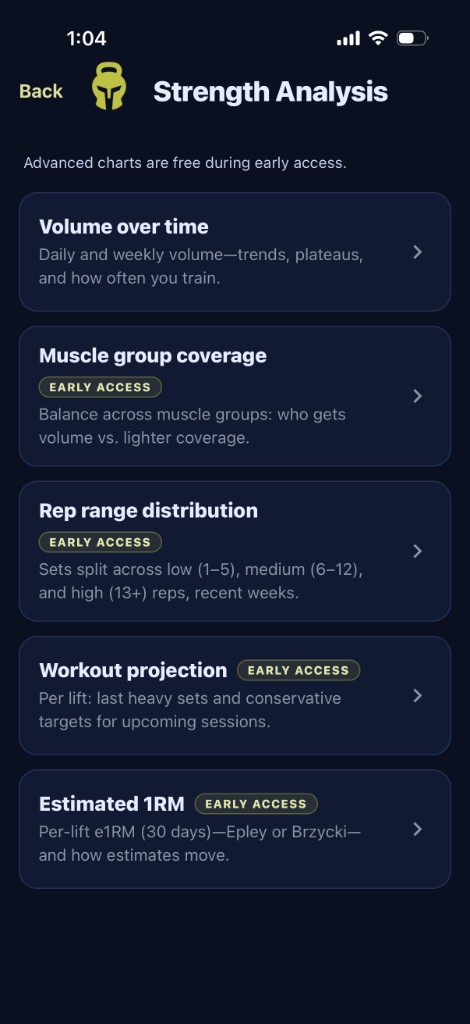
Open Strength Analysis for the deeper view. You'll find:
- Volume — total work over time, per muscle group.
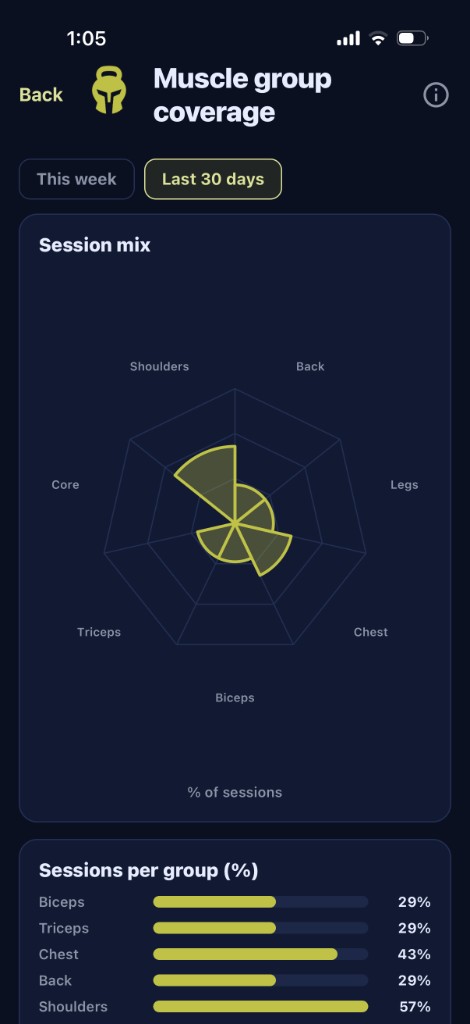
- Muscle coverage — which groups are pulling weight, which are coasting.
- Rep ranges — strength vs. hypertrophy vs. endurance split.
- Projection — where current trends are heading.
- e1RM — estimated one-rep max per lift.
Each chart has its own short explainer. For the full definitions, open Profile → Guides → Analysis guide inside the app.
Profile
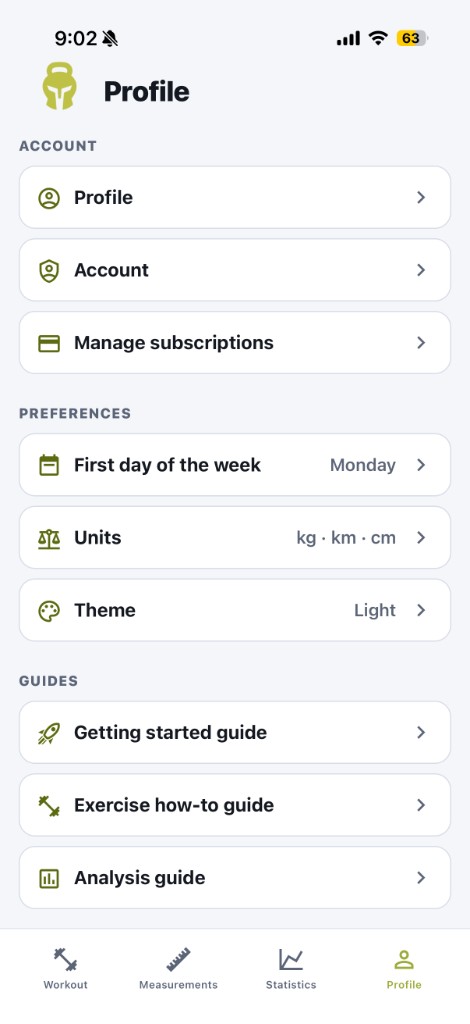
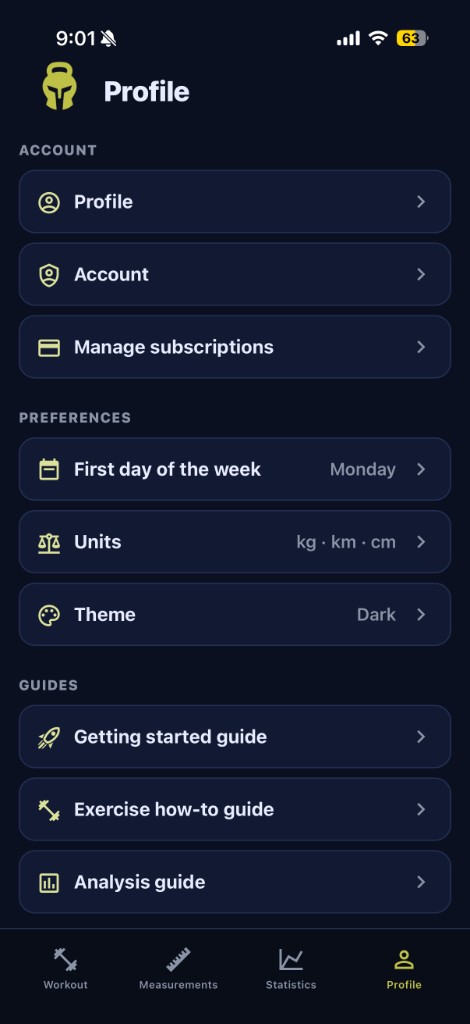
The Profile tab is where you manage your account, dial in preferences, and open in-app guides. Under Preferences you can set the first day of your training week, units (kg/lb, km/mi, cm/in), and Theme — switch between light and dark so the app matches the gym or your mood. Guides links to this walkthrough, exercise how-tos, and the analysis glossary.